AI & automation
Human-in-the-Loop Workflow Canvas
Design the human decision inside an automated workflow. Define approval, correction, escalation and rejection routes, bind approval to the reviewed version, and plan queue ownership, partial-failure handling and pause or restart authority.
Specify what a reviewer can decide and what happens next
Adding a review step is useful only when its authority and operating behaviour are explicit. This guide connects reviewer evidence, decision routes, action permissions and queue capacity. A fillable landscape canvas records the complete arrangement so product, technical and operational owners can test the same workflow.
Inside the resource
Set scope and decision routes
Define the controlled task and point of consequence. Specify the four decision outcomes, the action each permits and the version checks needed before approved work can execute.
Prepare review evidence and capacity
Give reviewers the source context and authority needed to act. Set queue ownership, escalation, unavailable-reviewer handling and a response for partial completion or changed information.
Verify the workflow and complete the canvas
Test the decision branches, stale approval, unavailable reviewer and stop route. Use the landscape canvas to record authority, ownership, evidence and acceptance conditions for the actual workflow.
A few practical details
Does escalation count as approval?
No. Escalation routes the item to an authorised decision-maker and should preserve its pending state. The workflow must identify who can decide and what happens while that decision is unavailable.
What if the output changes after approval?
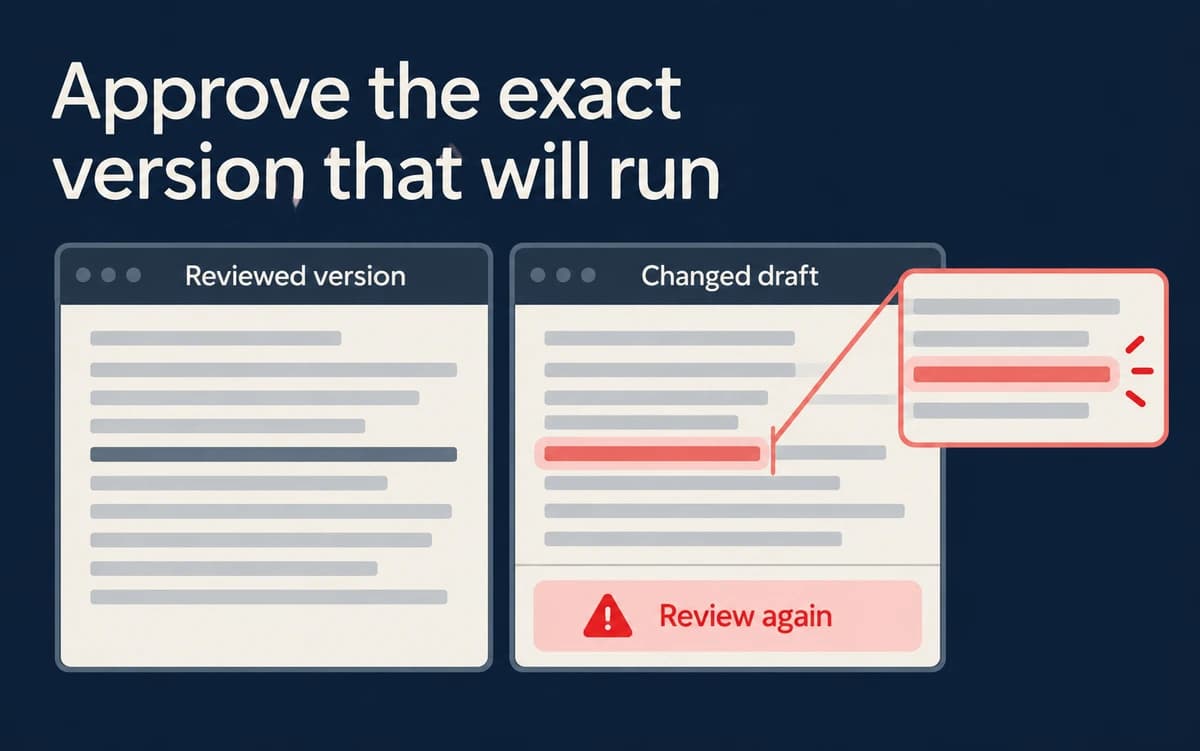
Bind approval to the reviewed version and relevant action. A material change should invalidate the earlier approval or return the item through the defined review route.
Can the canvas be completed digitally?
Yes. The final A3 landscape canvas contains editable fields for scope, routes, authority, evidence, capacity and recovery. Save a completed copy and check the stored values in a form-supporting PDF application.
Need practical guidance for your next decision?
Turn a useful framework into a practical next step for your team.
Talk to Us